
Labelers
Full line of print and apply labelers and label applicators
Label print and apply systems and label applicators offer distinct advantages for manufacturers in automating labeling. Print and apply systems print labels on demand, allowing for real-time customization with variable data such as barcodes and expiration dates. This flexibility is ideal for manufacturers with frequently changing product information, streamlining the labeling process and reducing the need for label inventory.
In contrast, label applicators simply apply preprinted labels for straightforward for high-volume productions with consistent labeling needs. This method is cost-effective for manufacturers using the same labels repeatedly, though it requires managing a stock of preprinted labels. Ultimately, choosing between the two methods depends on production requirements, labeling frequency, and the need for customization.

What is Print and Apply Technology?
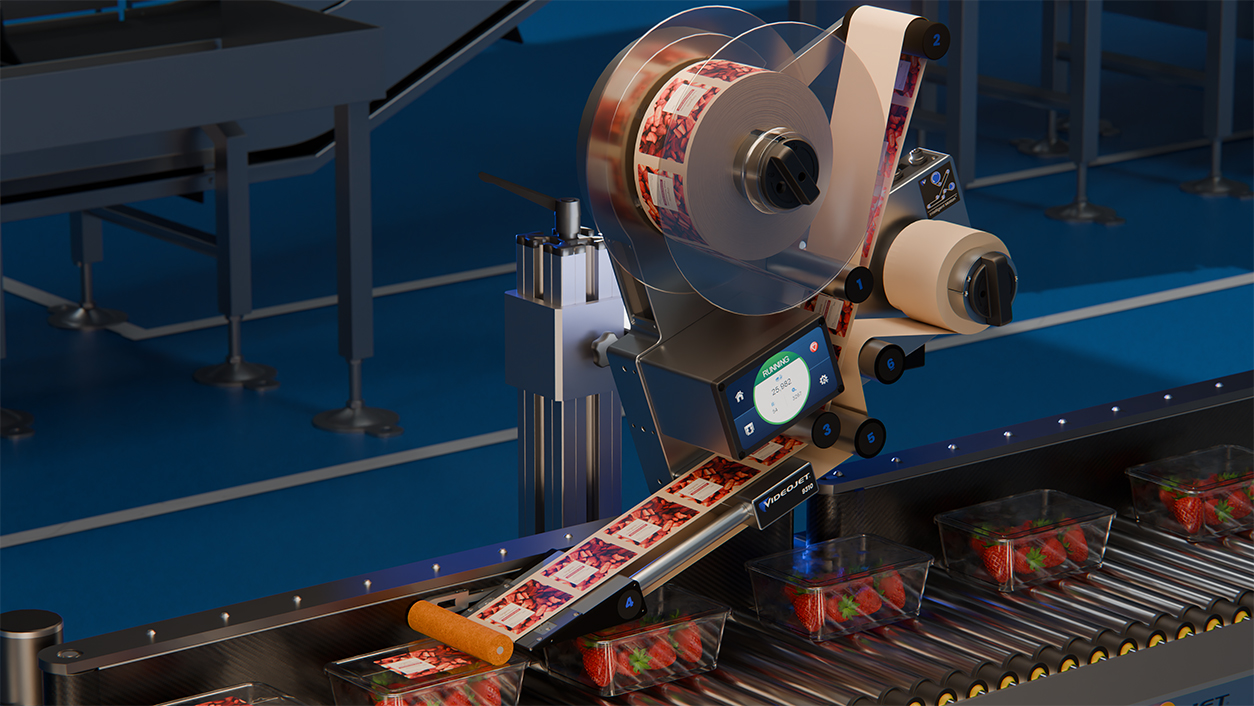
Videojet 9310 LA
Designed for common pre-printed, pressure sensitive labeling applications across personal care, food, household goods, pharmaceuticals, and industrial packaging, the Videojet 9310 delivers the results you need where it matters most.
Read More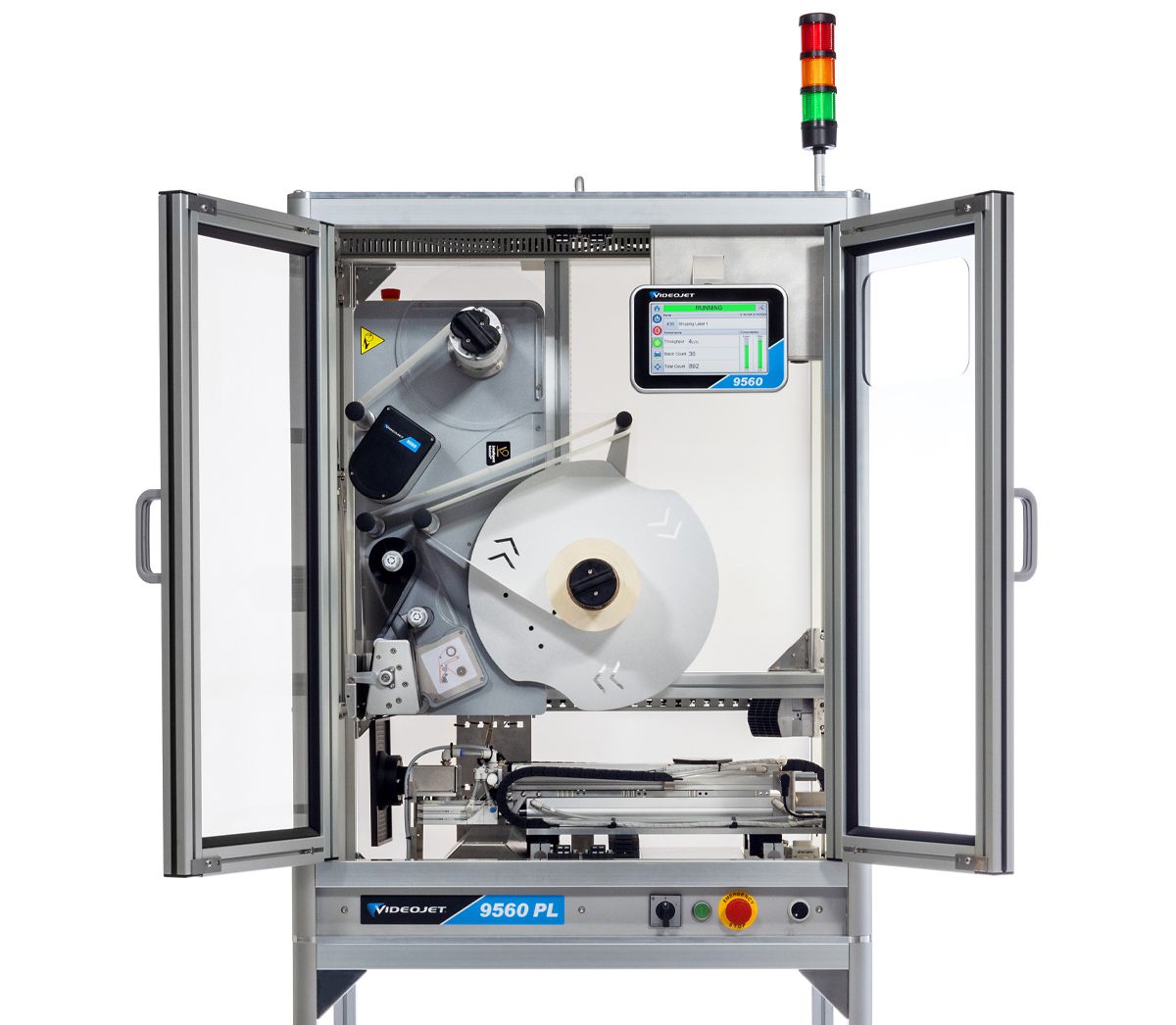
Videojet 9560 PL
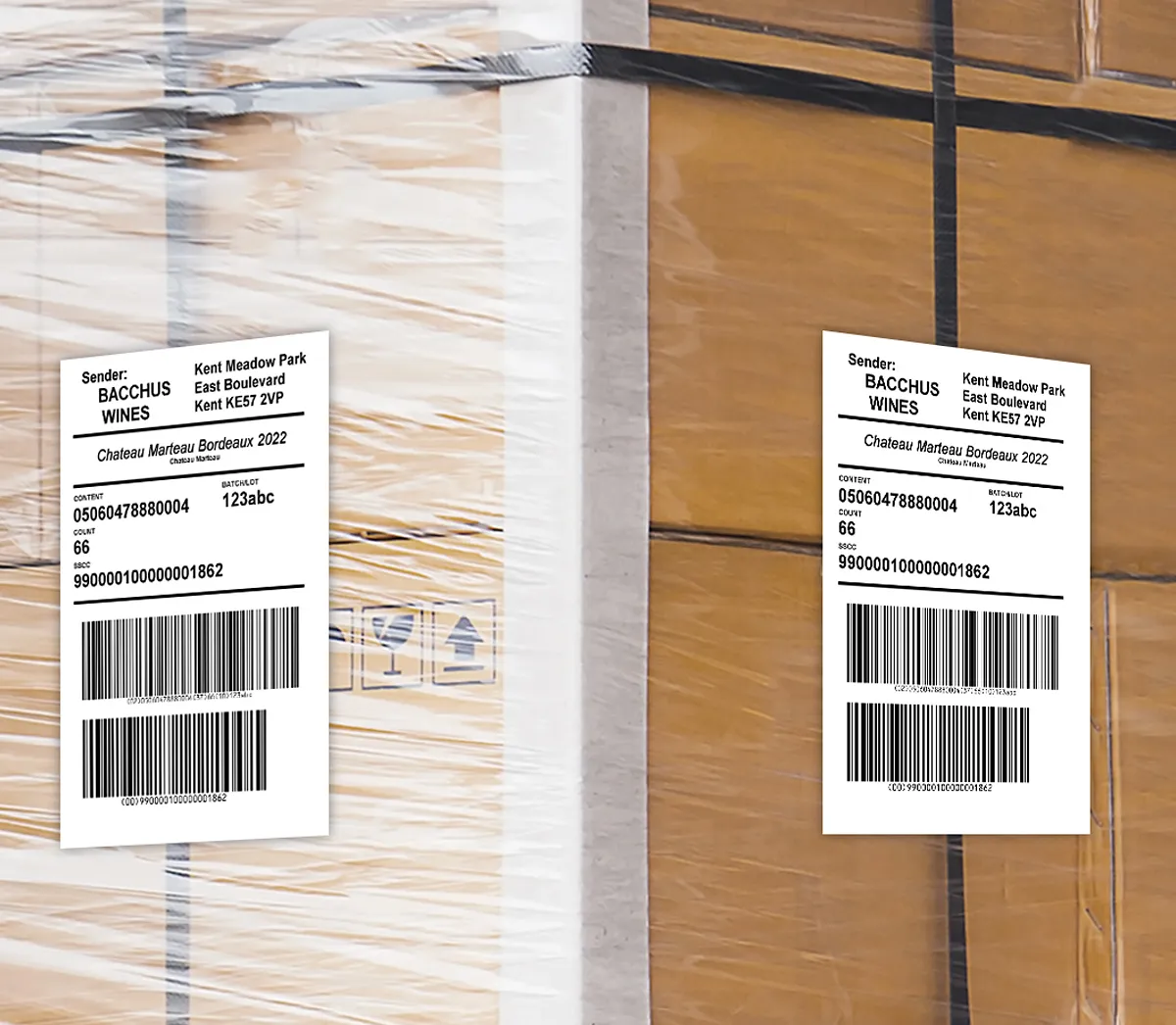
Prints and applies up to four labels on two or three sides, processing up to 120 pallets/hour.
Read More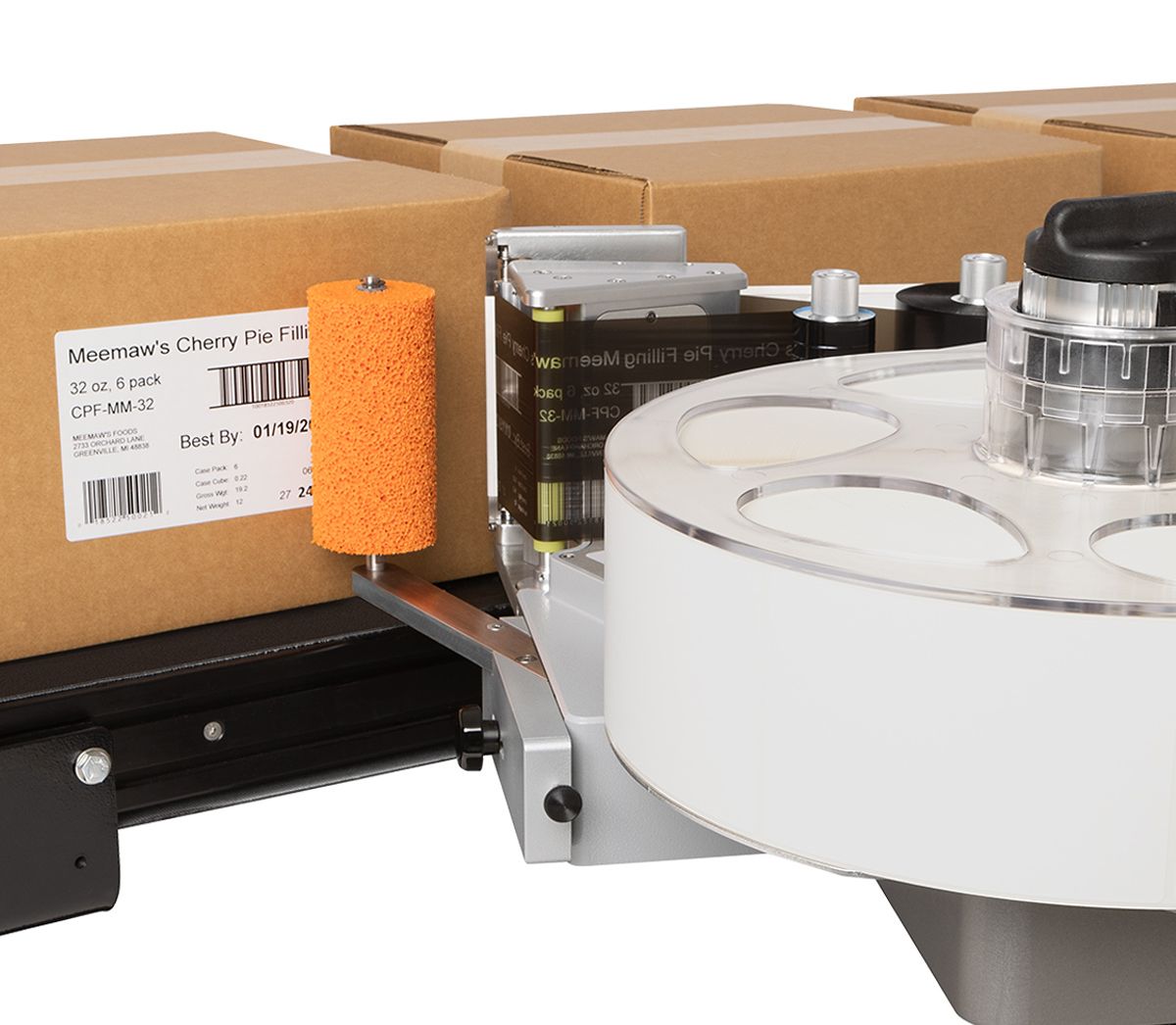
Videojet 9560
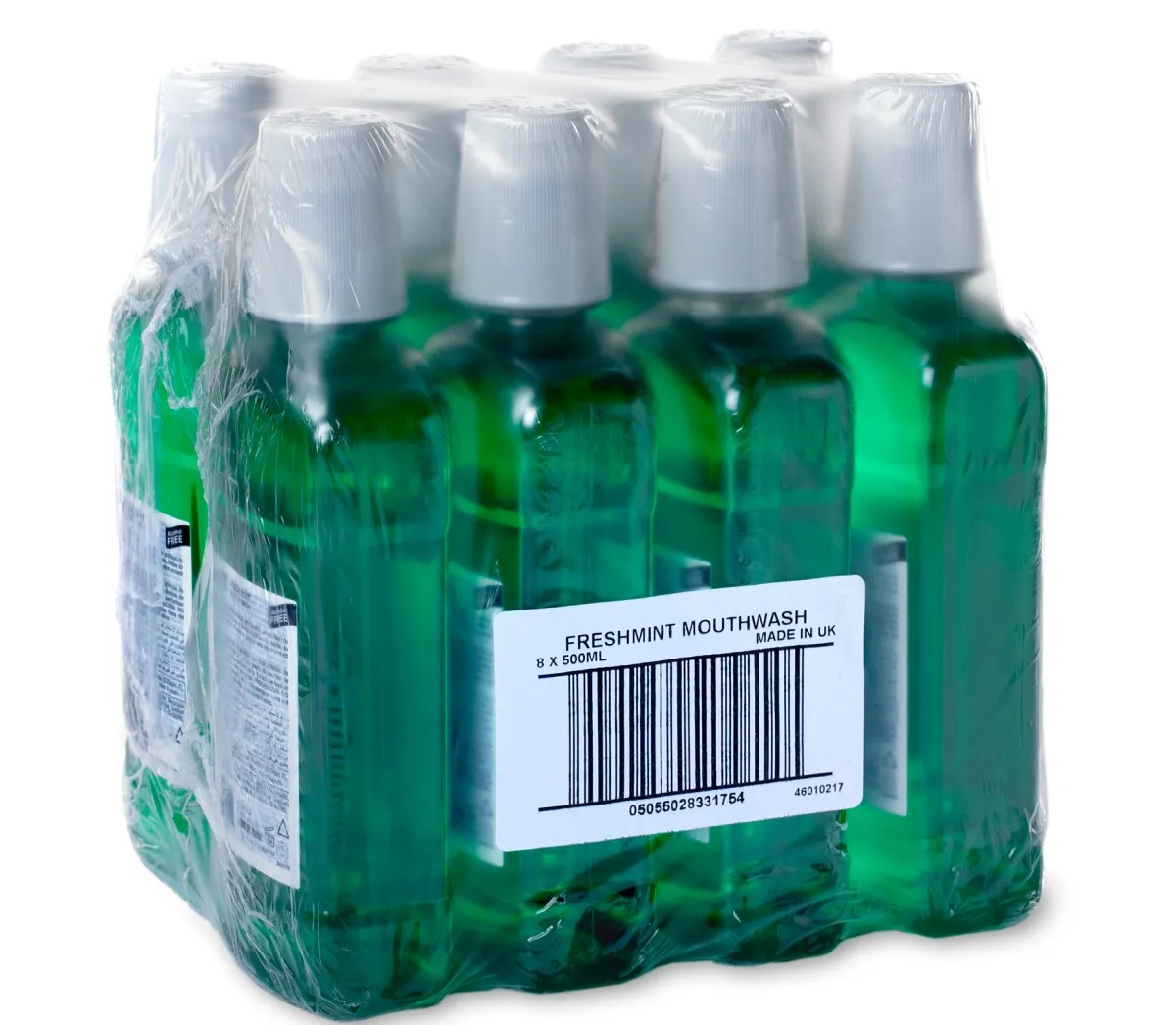
Prints the label and applies it to various surfaces, such as cases, boxes and shrink wrap.
Read MoreApplications
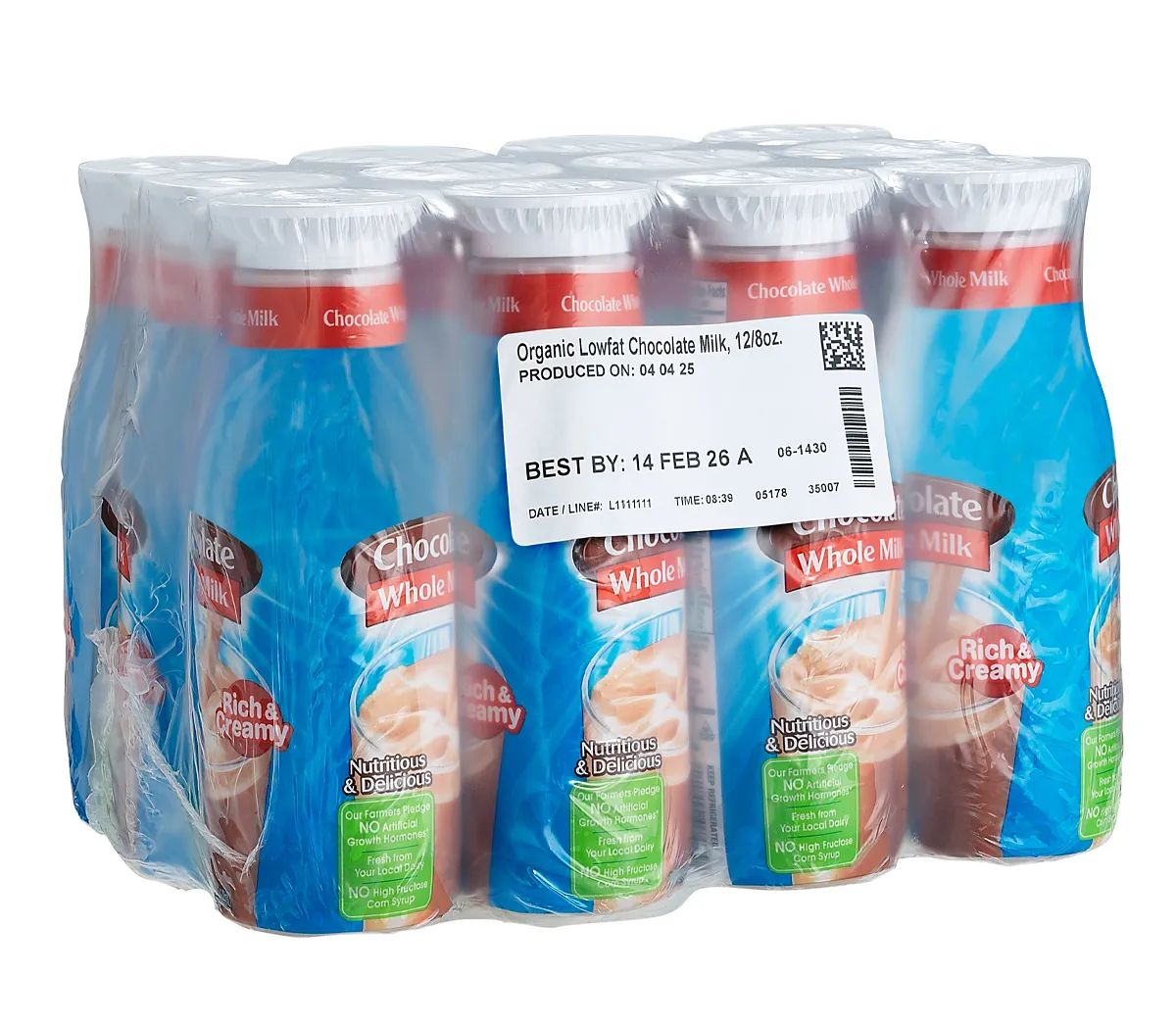
Labeling systems streamline the application of labels across various manufacturing and packaging processes. They can be used for product labeling, ensuring compliance with regulatory requirements, and enhancing brand visibility. In secondary packaging, they automate the labeling of boxes and cases, improving accuracy and efficiency. For pallet labeling, these systems facilitate quick identification and tracking in warehousing and shipping. Integrating into production lines, labeling systems can enhance workflow, help reduce labor costs, and support inventory management.
Read More About Labelers
Automatic Labellers – Frequently Asked Questions
What is the difference between a label applicator and a print-and-apply labeller?
A label applicator places labels that have already been printed onto a pack. A print-and-apply labeller prints information onto a label during production, then applies it. The choice comes down to when the information changes. If the artwork and wording stay the same, preprinted labels may suit the job. If each case needs a different batch, date or dispatch detail, printing at the point of application is worth considering. LETO offers both approaches, so you can select around your labelling process rather than trying to make one machine handle every task.
Which LETO labeller should I choose for products, cases or pallets?
Choose a LETO labeller around the item being labelled and whether the label needs printing on the line. The Videojet 9310 LA applies preprinted, pressure-sensitive labels. The Videojet 9560 prints and applies labels to cases, boxes and shrink-wrapped packs. The Videojet 9560 PL is designed for pallet labelling. Start with a sample of the finished product or load, the required label and its position. That makes it easier to compare the application method, available space and connection to the rest of the line.
When should a business move from hand labelling to an automatic labeller?
Automatic labelling is worth assessing when applying labels by hand causes queues, inconsistent placement or repeated handling. Count the time spent peeling, positioning and checking labels, including the busiest part of the shift. Also record how often products change and how many labels are wasted or reapplied. Automation works best when products reach the machine in a predictable position. Before replacing a manual station, check whether the conveyor, product guides or packing sequence also need changing. The aim is a smoother packing process with repeatable label placement, rather than simply adding a faster machine.
Can an automatic label applicator handle bottles, trays, pouches and boxes?
An automatic label applicator can handle several packaging types, but the setup must suit the pack shape and the face receiving the label. LETO lists containers, bottles, jars, trays, clamshells, boxes, pouches and bags among the Videojet 9310 LA’s applications. A firm, flat panel behaves differently from a soft pouch or a curved container. Show LETO the filled pack as it will arrive at the labelling station, including any variation in shape. Confirm the required orientation and coverage; do not assume a standard application setup will wrap a label around an entire bottle.
How do I choose labels that will stay attached during storage and transport?
Choose the label material and adhesive for the packaging surface and the conditions the labelled item will encounter. A label applied to dry cardboard may face a different job from one applied to plastic before refrigerated storage. Tell your label supplier about the temperature at application, later storage conditions, moisture and expected handling. Test the complete label on the actual pack, then inspect it after representative storage and transport. Lifting corners, wrinkling and damaged print are useful signs to investigate. The labeller places the label; reliable adhesion also depends on the label specification and surface condition.
Can a labeller apply labels to the top, side or corner of a case?
A labeller can apply labels to different case faces when it has the appropriate mounting and applicator configuration. The Videojet 9560 offers standard Direct Apply and optional front-of-pack, rear corner-wrap and telescopic tamp arrangements. Specify where the label needs to sit and whether it must remain visible after stacking. A corner-wrap requirement should be discussed early because it changes how the case and applicator meet. Send a marked-up carton or photograph showing the position, along with case dimensions and direction of travel. Confirm the selected arrangement using representative cases before accepting the installation.
Can pallet labelling be automated on more than one side?
Pallet labelling can be automated across multiple faces with a purpose-built pallet labeller. The Videojet 9560 PL can apply up to four labels across two or three sides. The layout needs to account for pallet orientation, load dimensions, wrapping and where warehouse staff or scanners will look for identification. Agree on the application sequence and how exceptions will be handled, such as an uneven load or an unreadable label. Multi-side capability is useful, but the final configuration should follow your receiving requirements and available floor space rather than the maximum number of labels alone.
Can print-and-apply labellers produce barcode and logistics labels?
Print-and-apply labellers can produce barcode labels with variable information for case and pallet identification. LETO lists GS1-128 and other linear barcode formats for the Videojet 9560 and 9560 PL. Define the label layout, required data and receiving customer’s specifications before configuring the job. Check that each printed label belongs to the correct case or pallet, especially after a stoppage or product change. Where a barcode quality grade is specified, include verification in acceptance checks. Printing a supported barcode format is one part of the process; correct data, readable output and placement all matter.
Can a labeller connect to our packaging line or warehouse system?
A suitable labeller can connect to line controls or receive label information from a host system, with integration scoped for the chosen model. LETO’s Videojet 9560 and 9560 PL support network connectivity and printer emulation options. Before quoting, map where the data comes from, what triggers each label and what should happen if a pack is missing or the system loses its connection. Existing label files and software should be tested for compatibility. LETO’s CLARiSUITE software information is useful when discussing central job management alongside the physical labelling equipment.
How fast can an automatic labeller run on our production line?
A labeller’s achievable throughput depends on label size, pack dimensions, spacing and application method. Packs per minute, pallets per hour and label web speed describe different things, so a headline speed is not enough to select a machine. Give LETO your normal rate and peak rate, including any bursts after upstream equipment stops and restarts. For pallets, include the number of labels needed on each load and the time available at the station. Ask for performance to be assessed using your application and label materials, with replenishment and changeovers included in the production plan.
What should we budget for when buying an automatic labelling system?
An automatic labelling budget should cover the equipment, installation and consumables needed for your particular process. Include mounting, conveyor changes, data connections and operator training, as well as labels and any printing ribbon required by the selected print mode. Plan for cleaning, replacement parts and access during roll changes. A preprinted-label applicator and a pallet print-and-apply system have different cost structures, so compare each against the task it will perform. Ask for a quote based on representative packs, label artwork and production rates, and discuss equipment leasing if it suits your purchasing plans.
Who supplies automatic labellers and ongoing support in Australia?
LETO Technology supplies Videojet label applicators and print-and-apply labellers, with service and support across Australia from Wacol, Brisbane. For a new project, provide pack or pallet examples, label specifications, site layout and production requirements. For an existing system, have the model, current settings and examples of the labelling issue ready. Clear operating routines help staff load the correct roll, select the right job and check the result after a changeover. Explore LETO’s technical training and service packages, or contact LETO on 1300 02 02 04 to discuss equipment and support.